GEOMETRY NODES · DRAG & DROP

SIMPLE UV Nodes

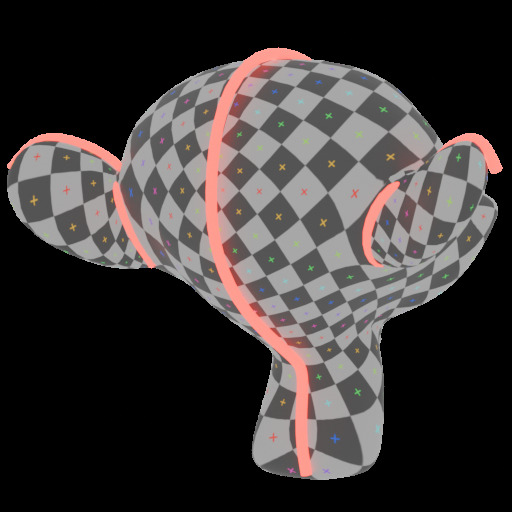
UV projection and transformation, live in your modifier stack. No unwrapping, no operators, no context switch — just drag a node in.

Every Node, One Asset Library

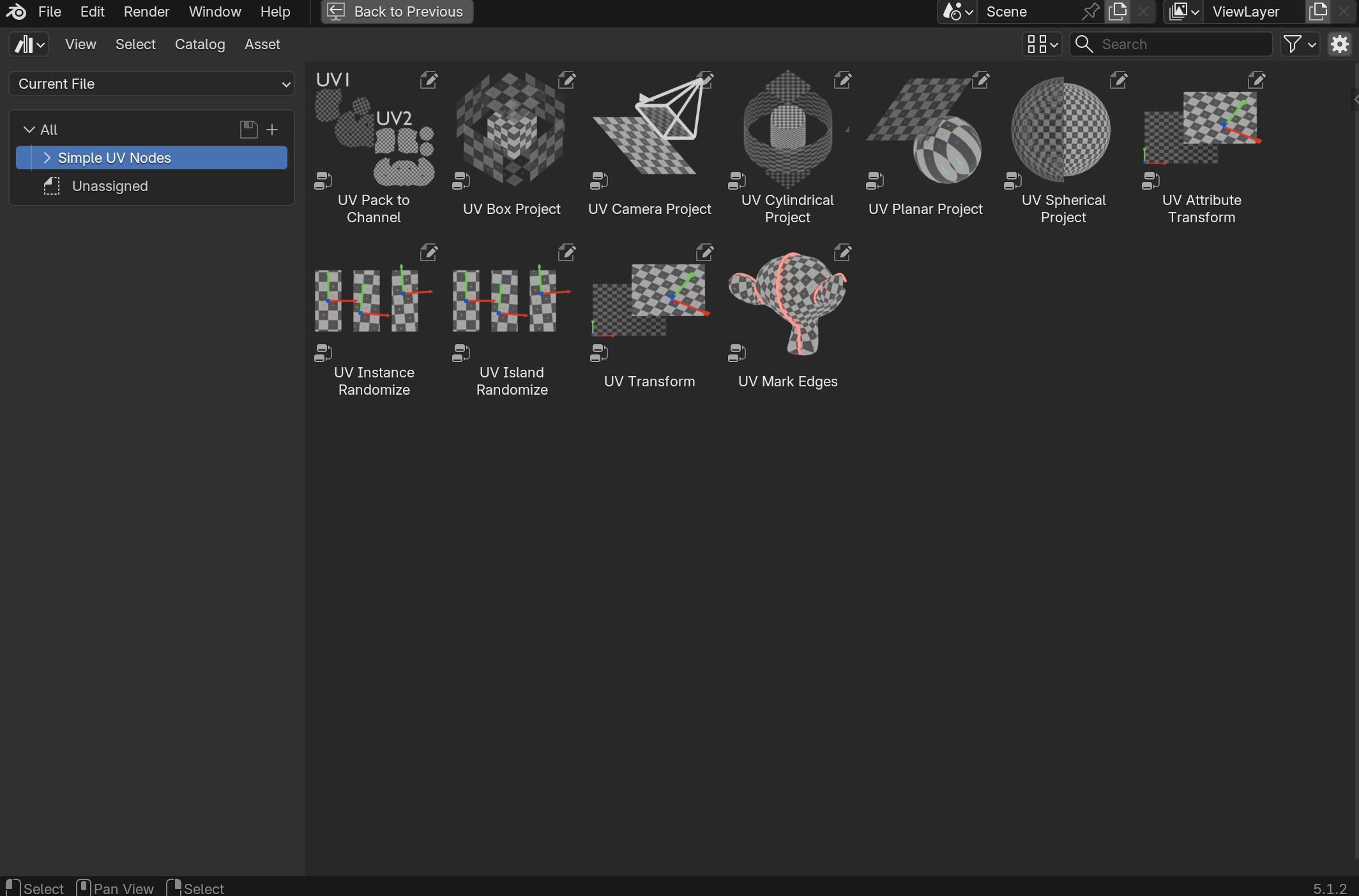
Drag straight out of Blender's Asset Browser into your modifier tree — no installer, no Preferences toggle to hunt for.

Blender Asset Browser showing all 11 Simple UV Nodes as drag-and-drop assets, each with a checker-pattern UV preview

Install in Four Steps

1. Download
Grab the release zip and extract it.
2. Pick Your Version
Choose the folder matching your Blender install, e.g. Simple_UV_Nodes_4_5.
3. Register the Library
In Preferences → File Paths → Asset Libraries, add that folder as a new Asset Library.
4. Drag & Drop
Open the Asset Browser, set it to Simple UV Nodes, and drag any node into your tree.
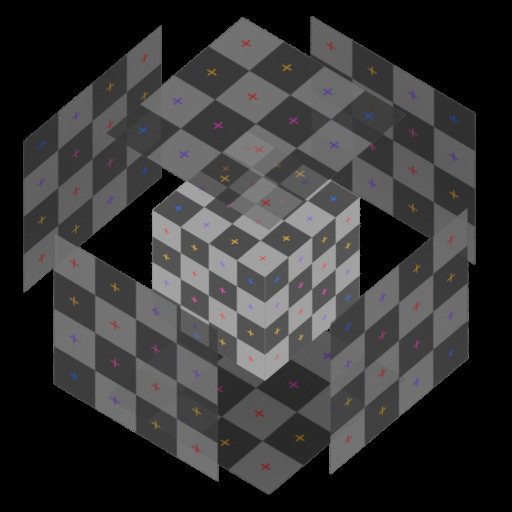
UV Box Project node preview showing triplanar checker projection on a rock mesh
01
STAYS LIVE, STAYS PROCEDURAL

Non-Destructive
By Default

Blender's built-in UV projection tools live outside the modifier stack — run an operator, the result is baked, and any adjustment means starting over. Simple UV Nodes brings projection into Geometry Nodes so it stays live, adjustable, and procedural.

Change any parameter at any time — nothing is baked until you need it to be
Reacts automatically to upstream geometry changes
No context switching — stay in the Geometry Nodes editor
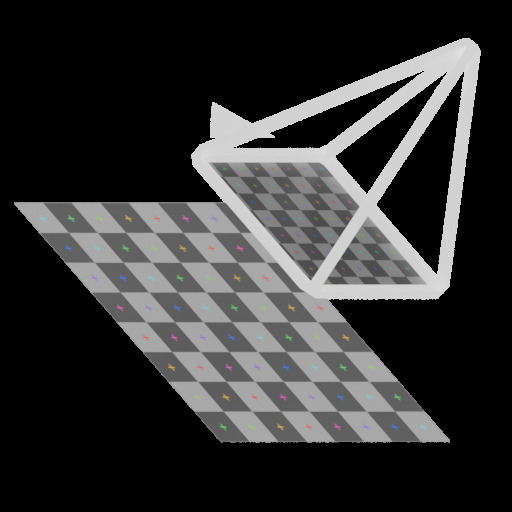
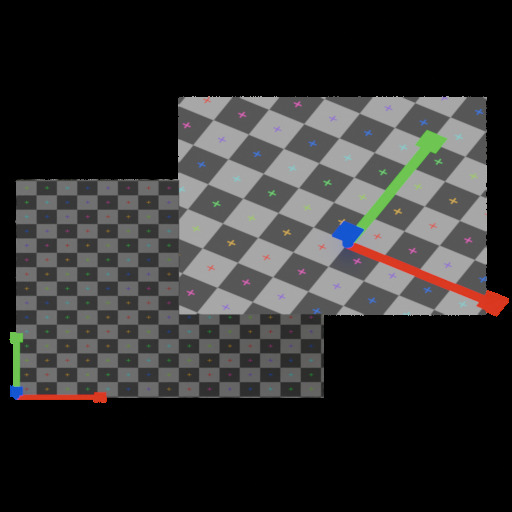
UV Camera Project node preview showing a checker texture projected from a camera's point of view
02
CAMERA PROJECTION

See What the
Camera Sees

UVs projected from the point of view of a Camera object — the same way a real lens would. Focal length, sensor size, and projection type are read directly from the camera's data-block, including a proper parallel projection when the camera is set to Orthographic.

Because the projection reads the camera's live transform, animating or parenting the Camera object updates the UVs in real time.
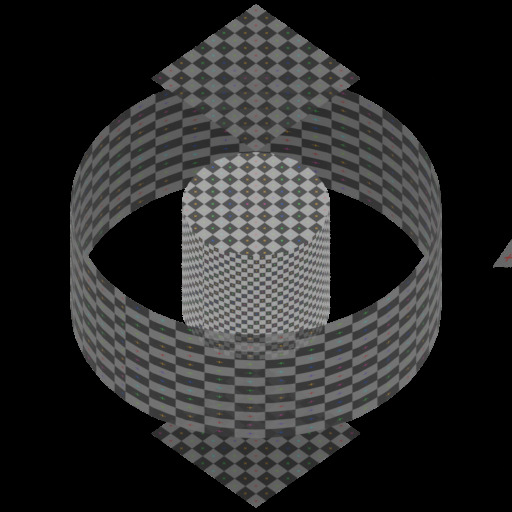
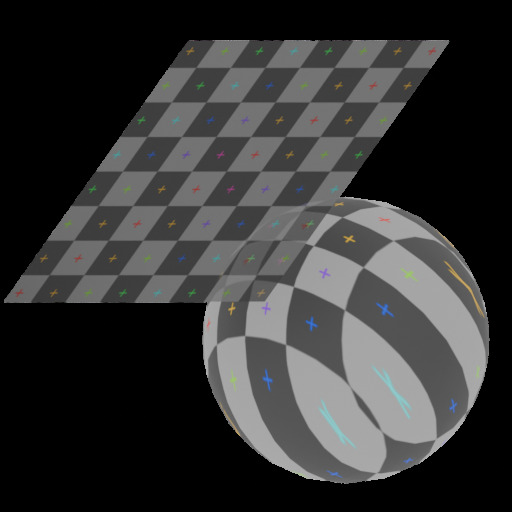
UV Cylindrical Project node preview showing a checker texture wrapped around a cylindrical mesh
03
BUILT FOR EVERY SURFACE

Planar, Spherical,
or Cylindrical

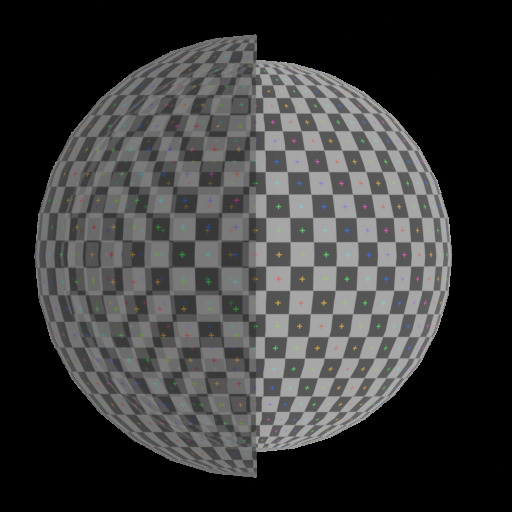
Pick the projection that matches the geometry — flat for floors and walls, seam-corrected spherical for round objects, or cylindrical with optional blended caps for pipes, columns, and anything else that revolves around an axis.

Planar — flat projection for dominant-direction surfaces
Spherical — normalized or real-world scale, seam-corrected
Cylindrical — optional blended caps on end faces
UV Instance Randomize node preview showing randomized checker UV variation across scattered instances
04
INSTANCE & ISLAND RANDOMIZE

Break Up
Texture Tiling

Each instance or UV island gets an independent, seed-controlled random offset, rotation, and scale — Instance Randomize for scattered geometry, Island Randomize for a single complex mesh like a rock pile or brick wall. Stack both for further variation.

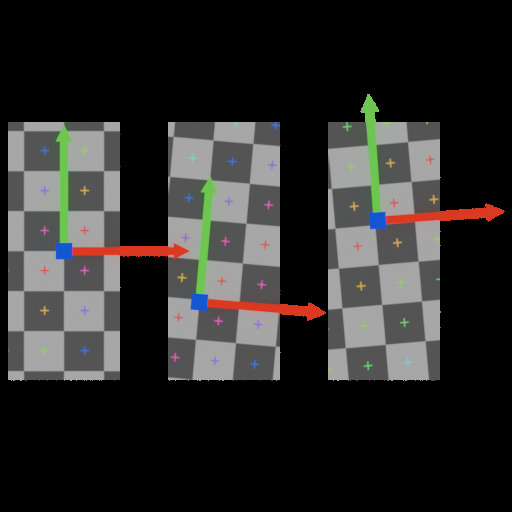
UV Transform node preview showing an adjusted checker UV layout
05
STACK, TRANSFORM, FINISH

Every Projection
Feeds Forward

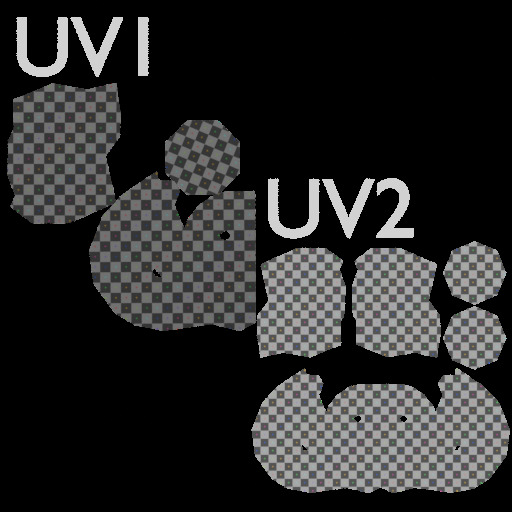
Pipe the result of any projection node into UV Transform for a second round of non-destructive adjustment. Mark Edges keeps seams in sync with your UV layout automatically, and Pack to Channel builds a dedicated lightmap UV from any existing one.

UV Transform — offset, rotate, scale, tile, mirror
Mark Edges — automatic seam & sharp-edge sync
Pack to Channel — margin, rotation, and packing method control

All 11 Nodes

Every projection, transform, and utility node in the pack.

UV Box Project thumbnail
UV Box Project
Triplanar projection blended from all three axes, with per-face offset, rotation, and scale.
UV Planar Project thumbnail
UV Planar Project
Flat projection along one axis — ideal for floors, walls, and dominant-direction surfaces.
UV Spherical Project thumbnail
UV Spherical Project
Equirectangular wrap for round objects, seam-corrected across all three axes.
UV Cylindrical Project thumbnail
UV Cylindrical Project
Wraps around a chosen axis, with optional blended caps for pipes and columns.
UV Camera Project thumbnail
UV Camera Project
Projects from a real Camera object's focal length, sensor size, and lens type.
UV Transform thumbnail
UV Transform
Non-destructively offset, rotate, scale, tile, and mirror any existing UV map.
UV Instance Randomize thumbnail
UV Instance Randomize
Seed-controlled per-instance UV offset, rotation, and scale for scattered geometry.
UV Island Randomize thumbnail
UV Island Randomize
The same randomization, scoped to UV islands on a single mesh.
UV Mark Edges thumbnail
UV Mark Edges
Detects UV island boundaries and writes them back as seams and/or sharp edges.
UV Pack to Channel thumbnail
UV Pack to Channel
Packs UV islands into a destination map — built for lightmap UVs.
UV Attribute Transform
A pure-vector helper for transforming UV coordinates inside custom node groups.

Everything Inside

One library, the whole UV workflow.

Named UV Attributes
Every node targets a user-specified UV attribute name, so you can create and manage multiple UV maps on one mesh.
Object or World Space
Choose the coordinate space for projections to keep UVs stable under object transforms or locked to the world.
Pure Geometry Nodes
No Python dependency, no operator to run — everything is a standard Geometry Nodes modifier.

Minimum Blender version: 4.5. If you update to a new minor version, swap the registered Asset Library folder to the matching one from the zip — older folders keep working but won't include newer features.

Why Trust Simple UV Nodes?

Over a decade refining workflows for real-time engines. Simple Renaming, Simple Collider, Simple Export, and Simple Camera Manager are used and trusted by thousands of artists and studios worldwide.

Simple Renaming — 50,000+ users Simple Collider — 500+ users Simple Export Simple Camera Manager
Get Simple UV Nodes
Start working with non-destructive UV projections — live in your modifier stack, no unwrapping required.
More by Matthias Documentation ArtStation

Legal Notice