SIMPLE Collider
Stop wasting time on collision setup. Generate Box, Sphere, Capsule, Convex, and Mesh colliders directly in the 3D Viewport — ready for Unreal, Unity, or Godot.
See It In Action
Every Shape,
One Toolset
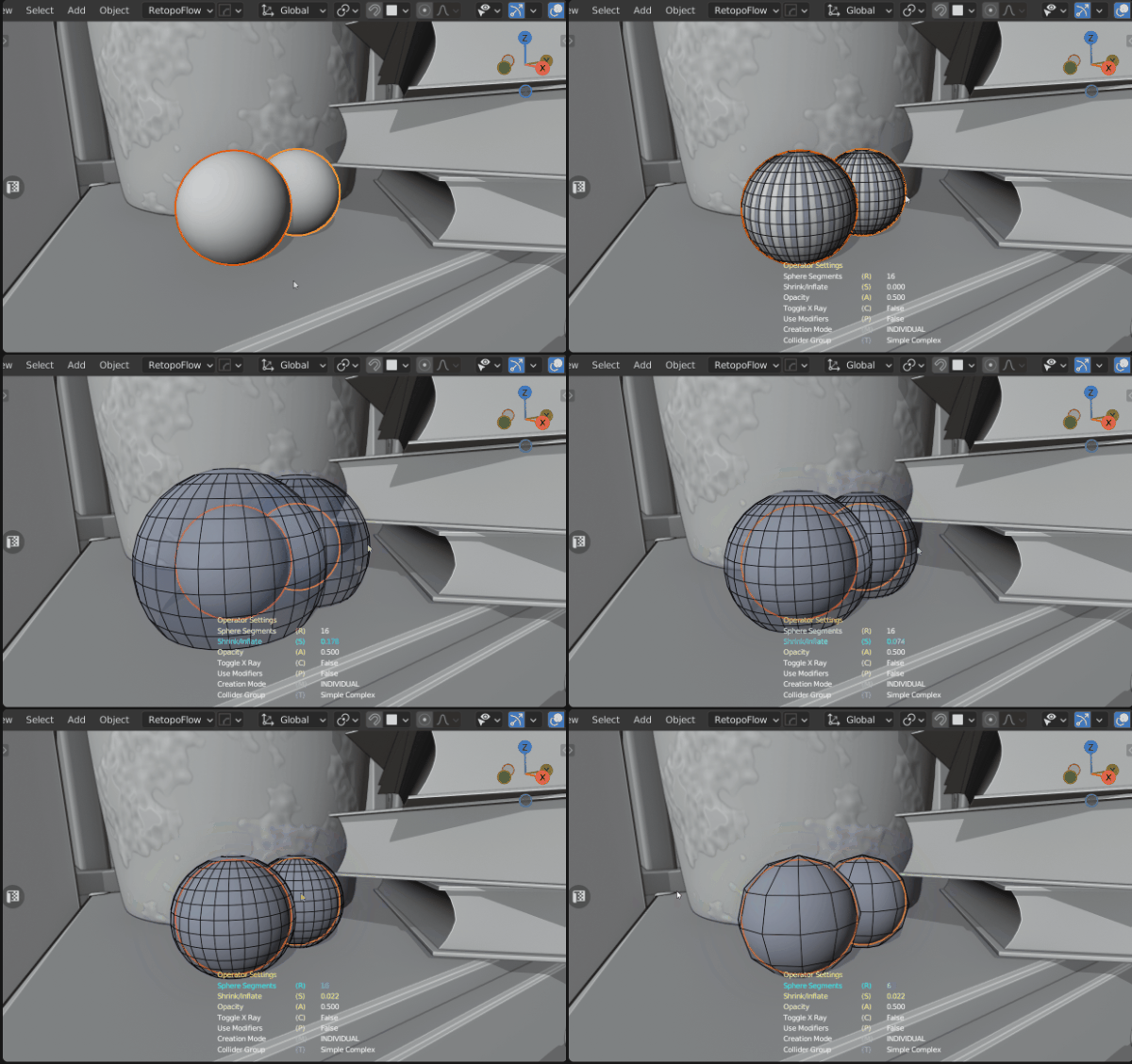
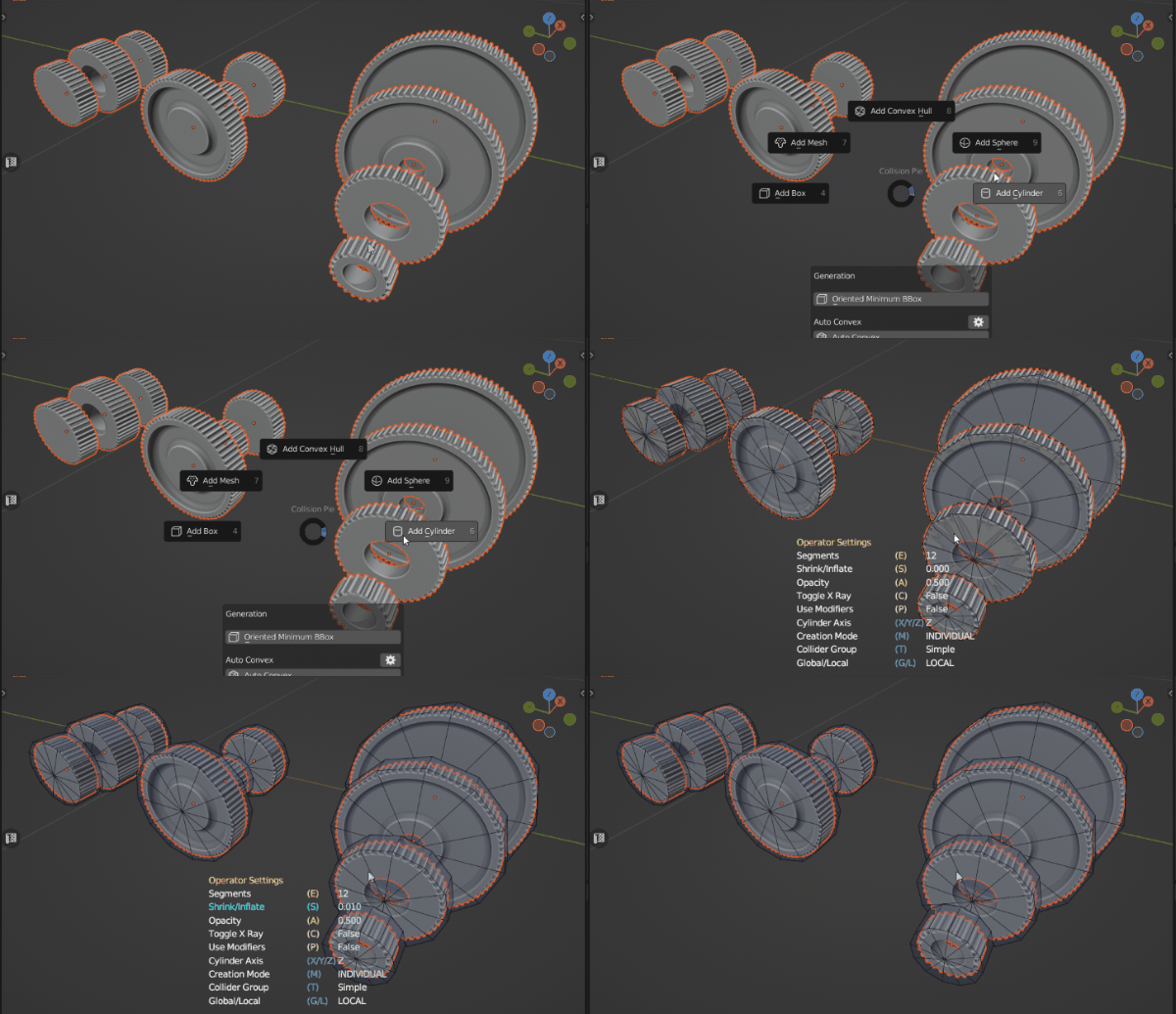
Pick the collider type that fits — see each one in action.
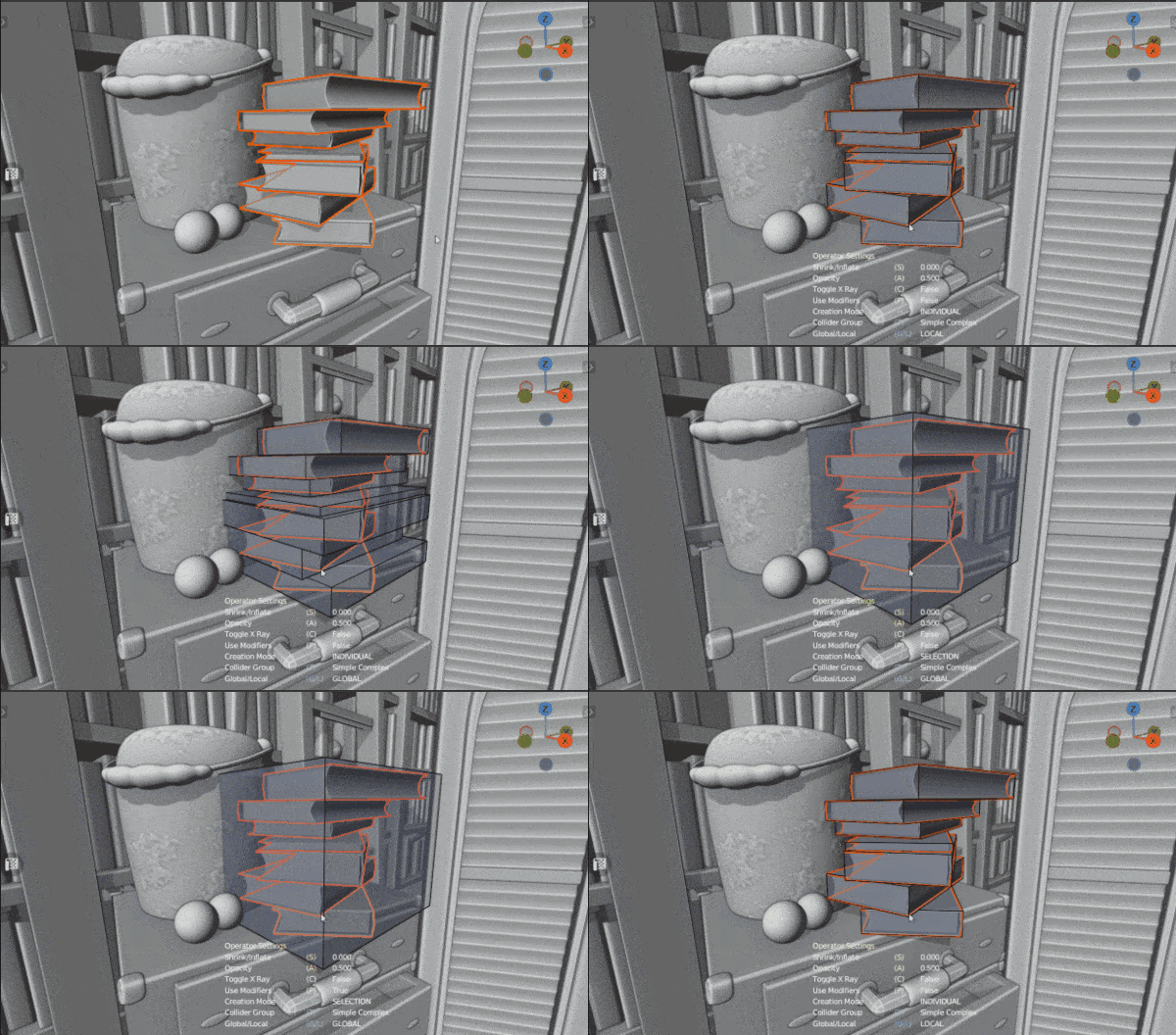
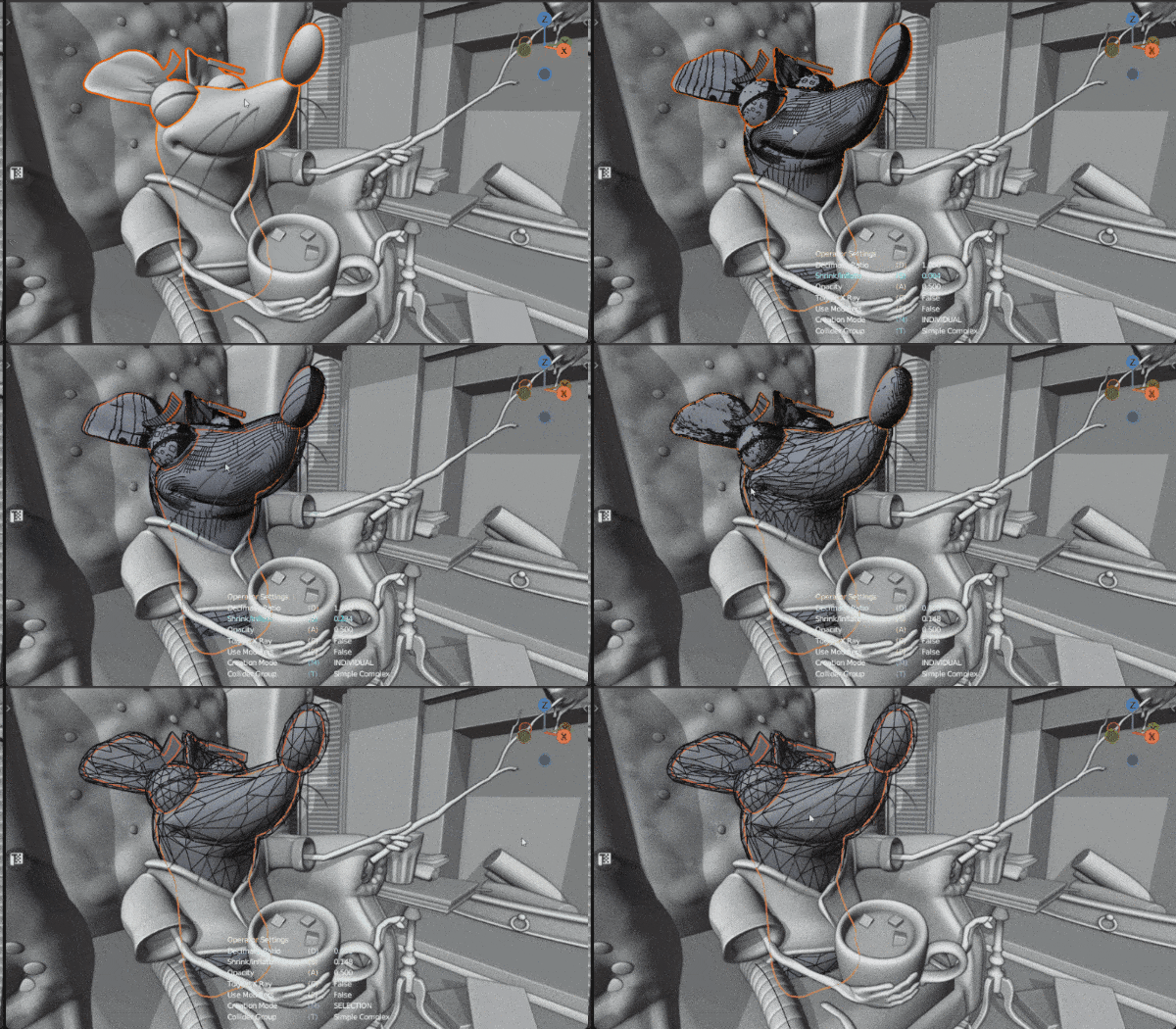
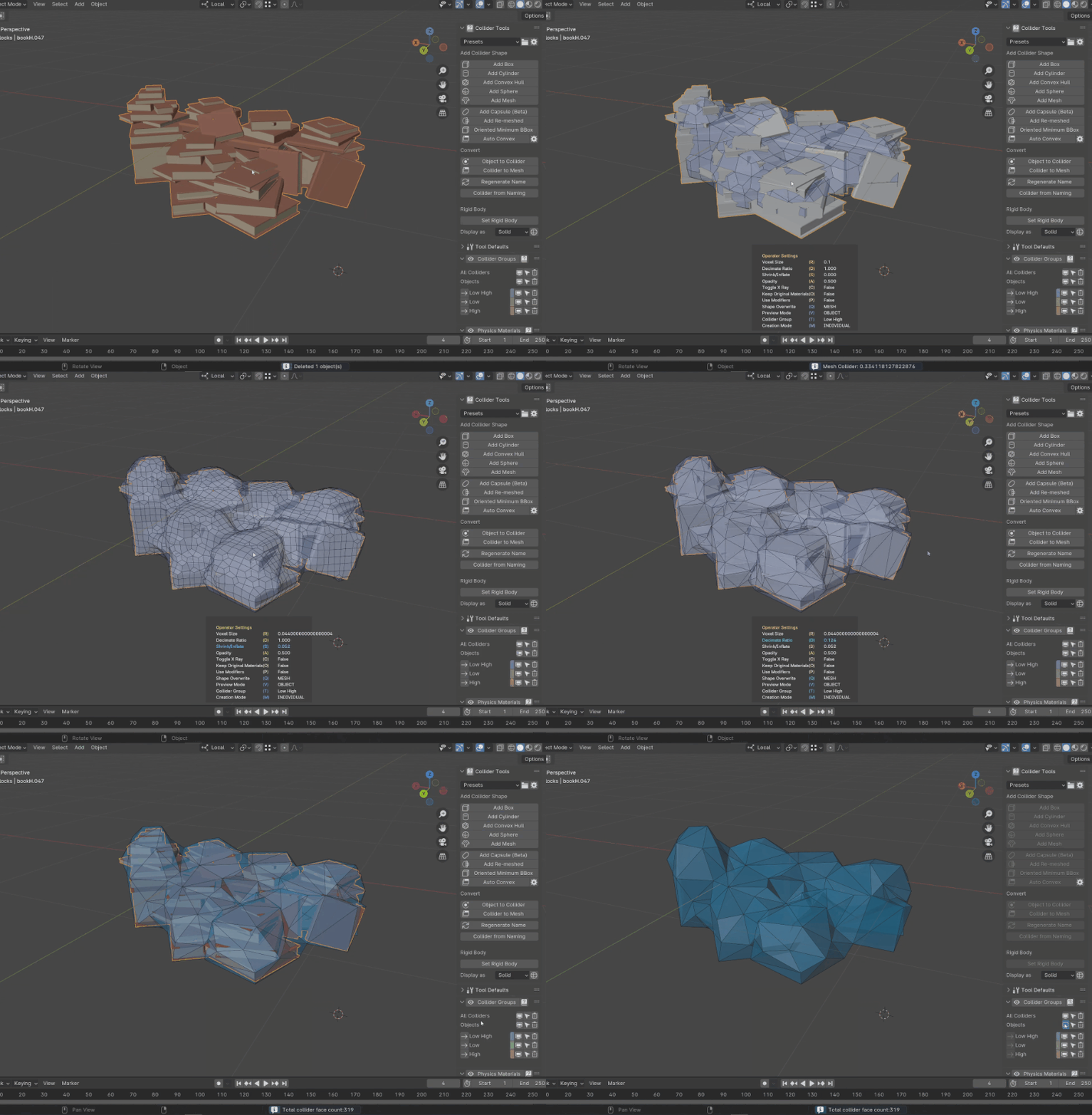
Whole Selections,
|
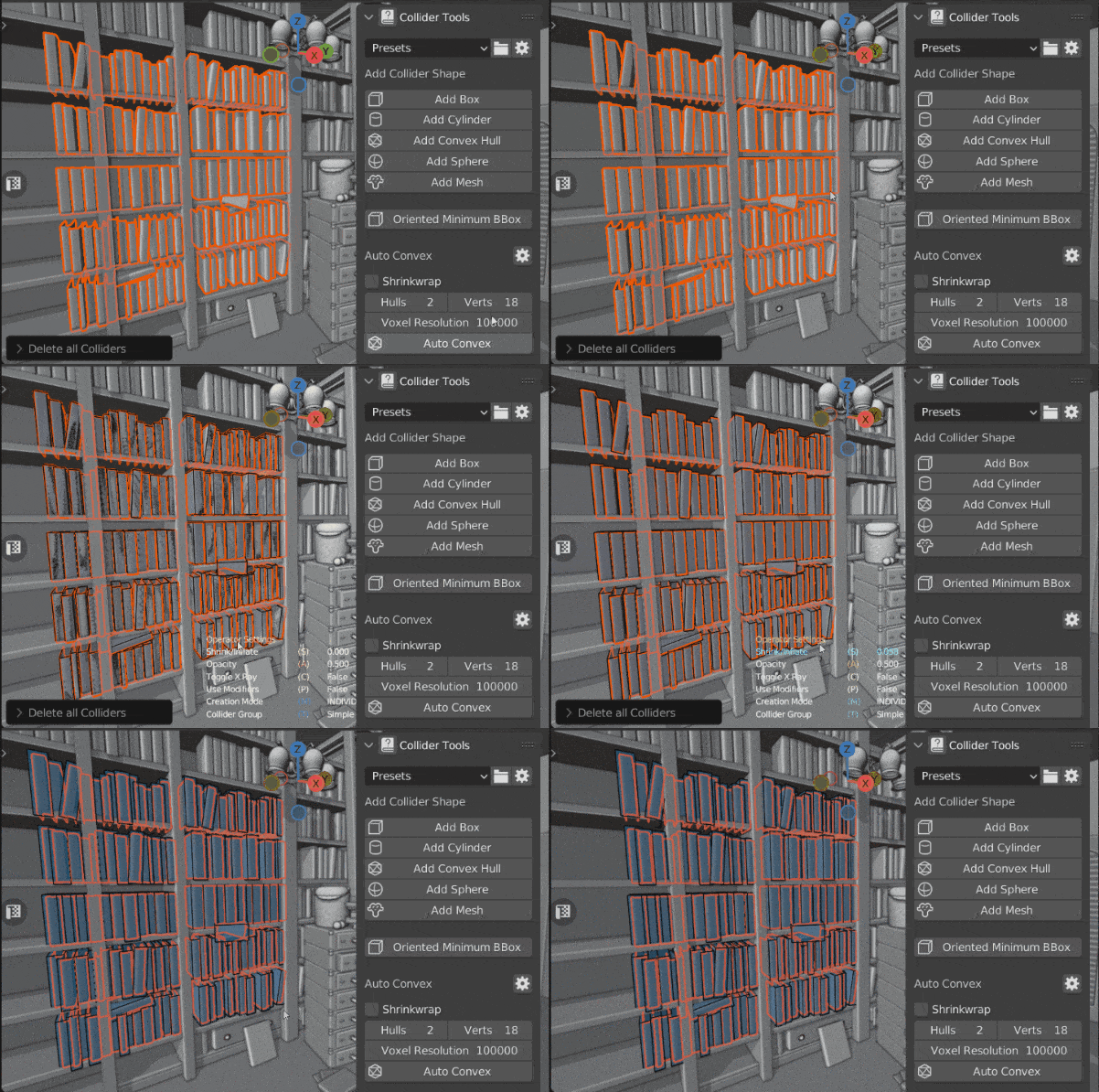
| ✓ Per-object, per-selection, or per-loose-part generation |
| ✓ World-aligned or object-aligned collisions for primitives |
| ✓ Adjust creation settings live from the 3D Viewport |
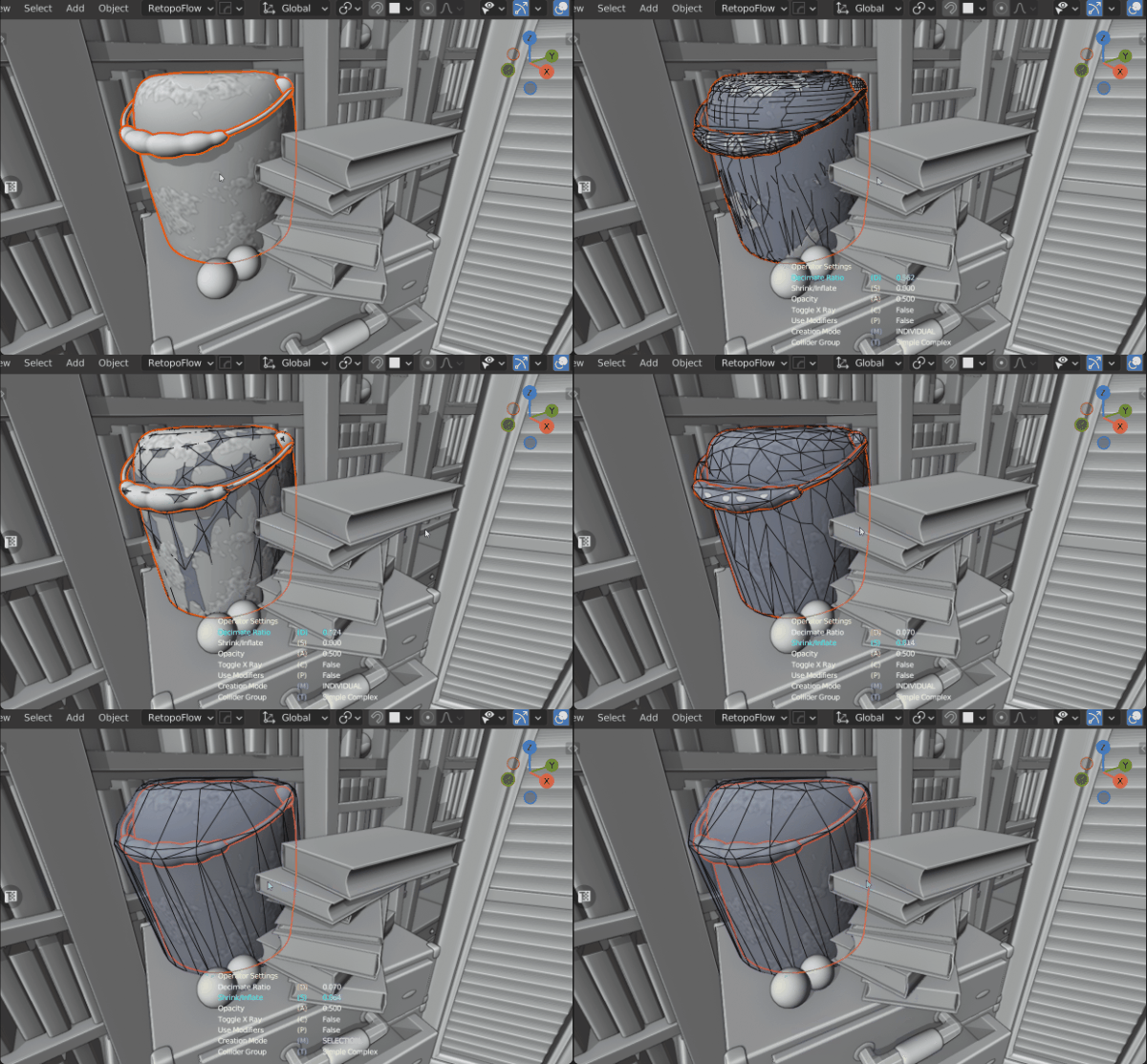
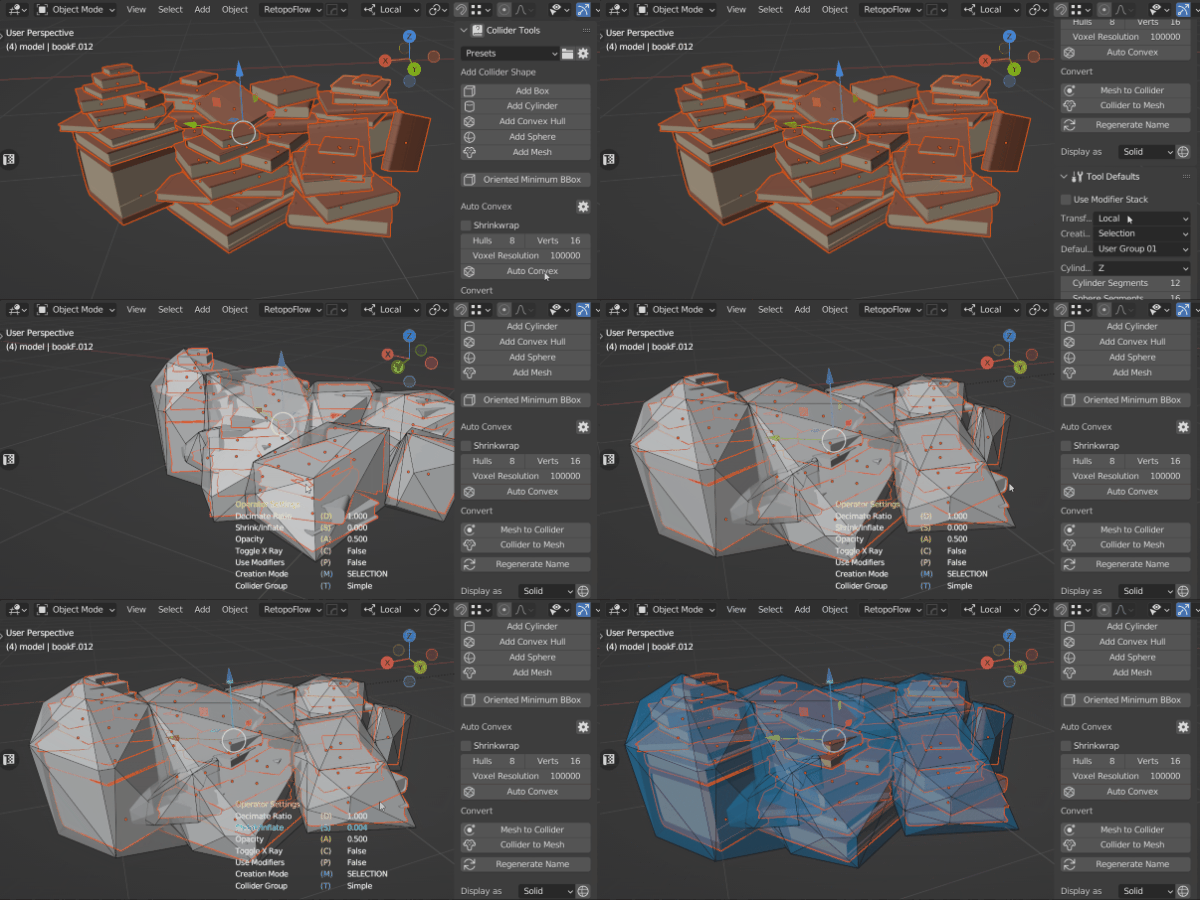
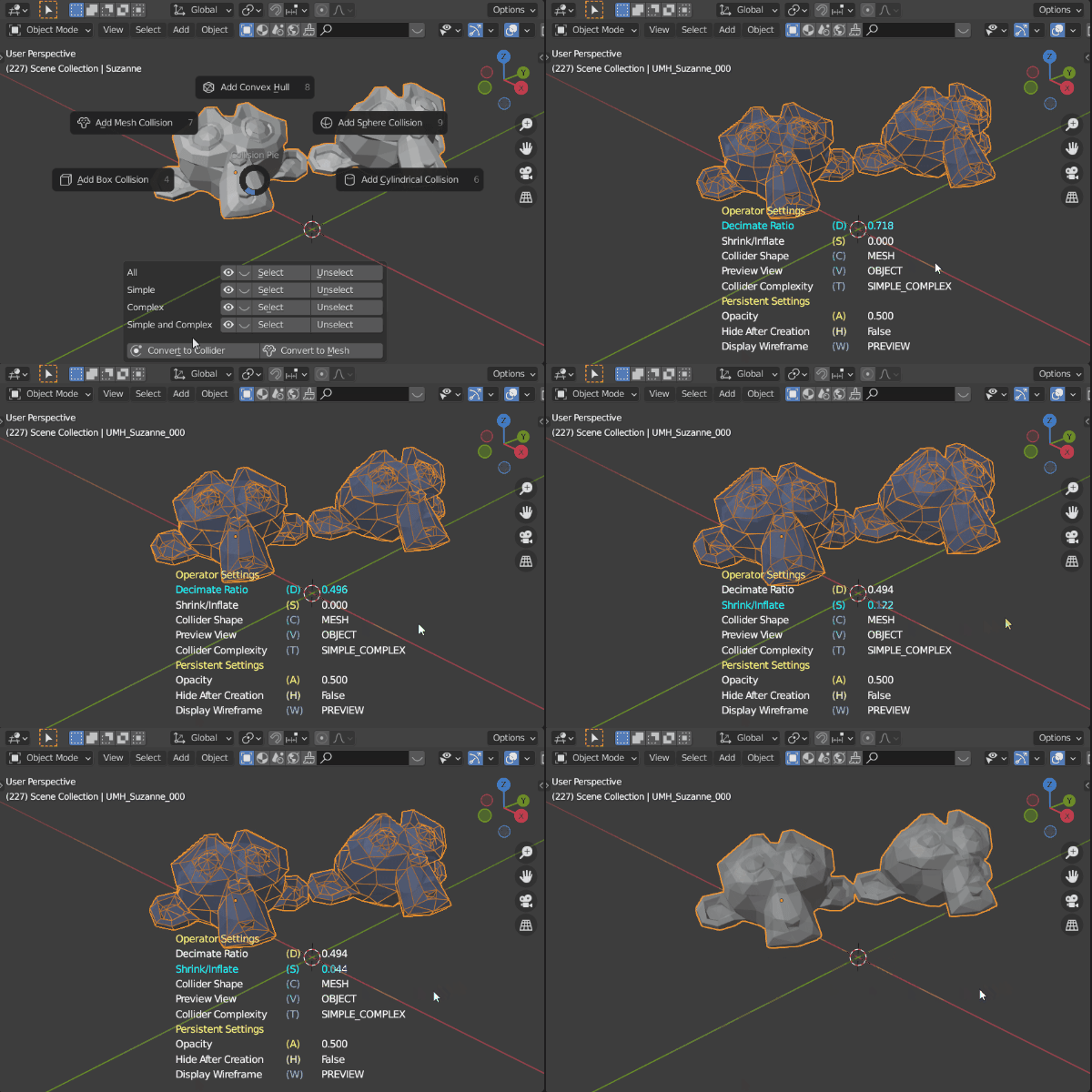
Break Complex Meshes
|
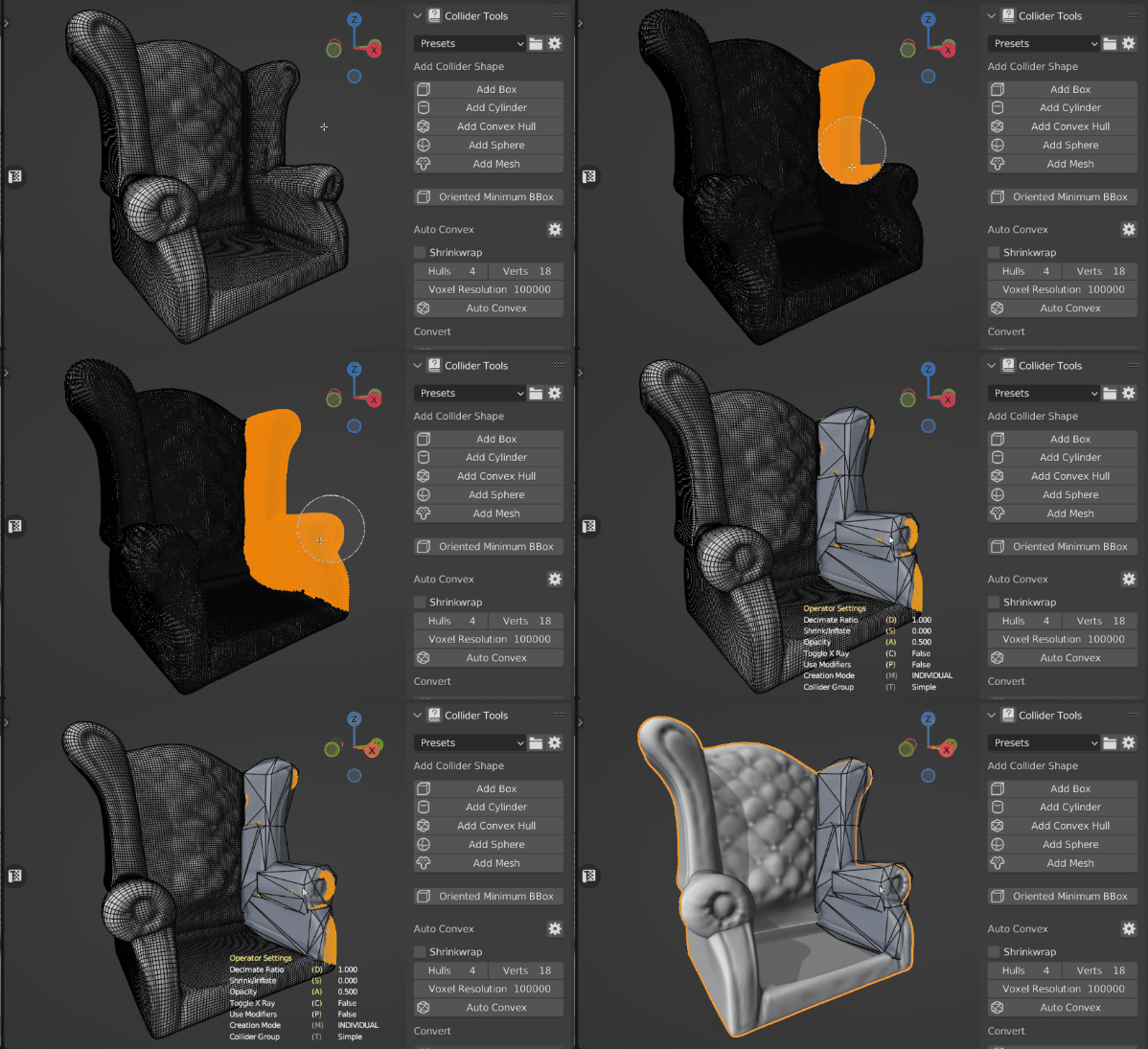
| ✓ Powered by the V-HACD library |
| ✓ Windows, Linux, and macOS — including Apple Silicon |
| ✓ Depth setting trades hull count against accuracy |
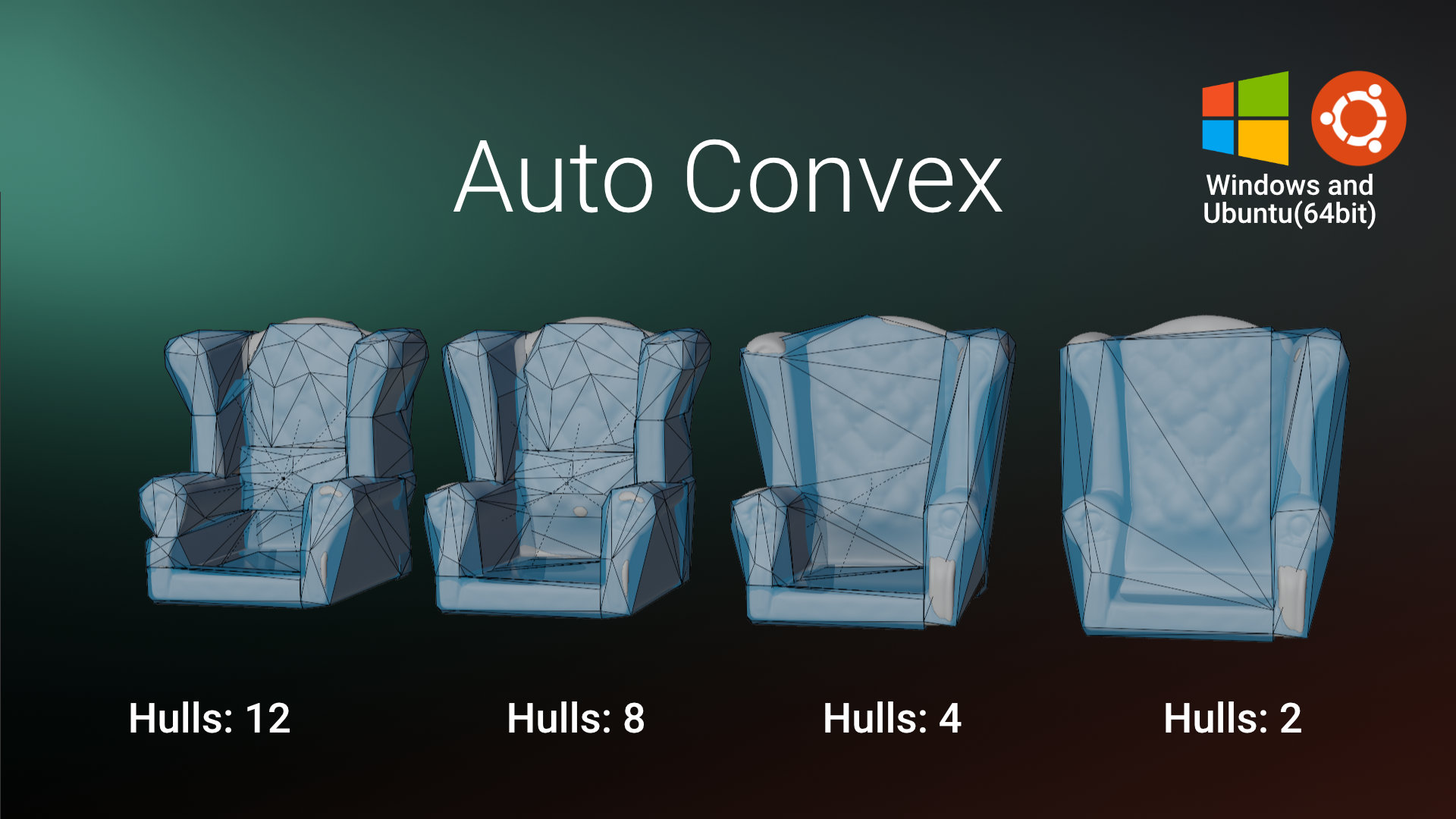
The Tightest Box,
|
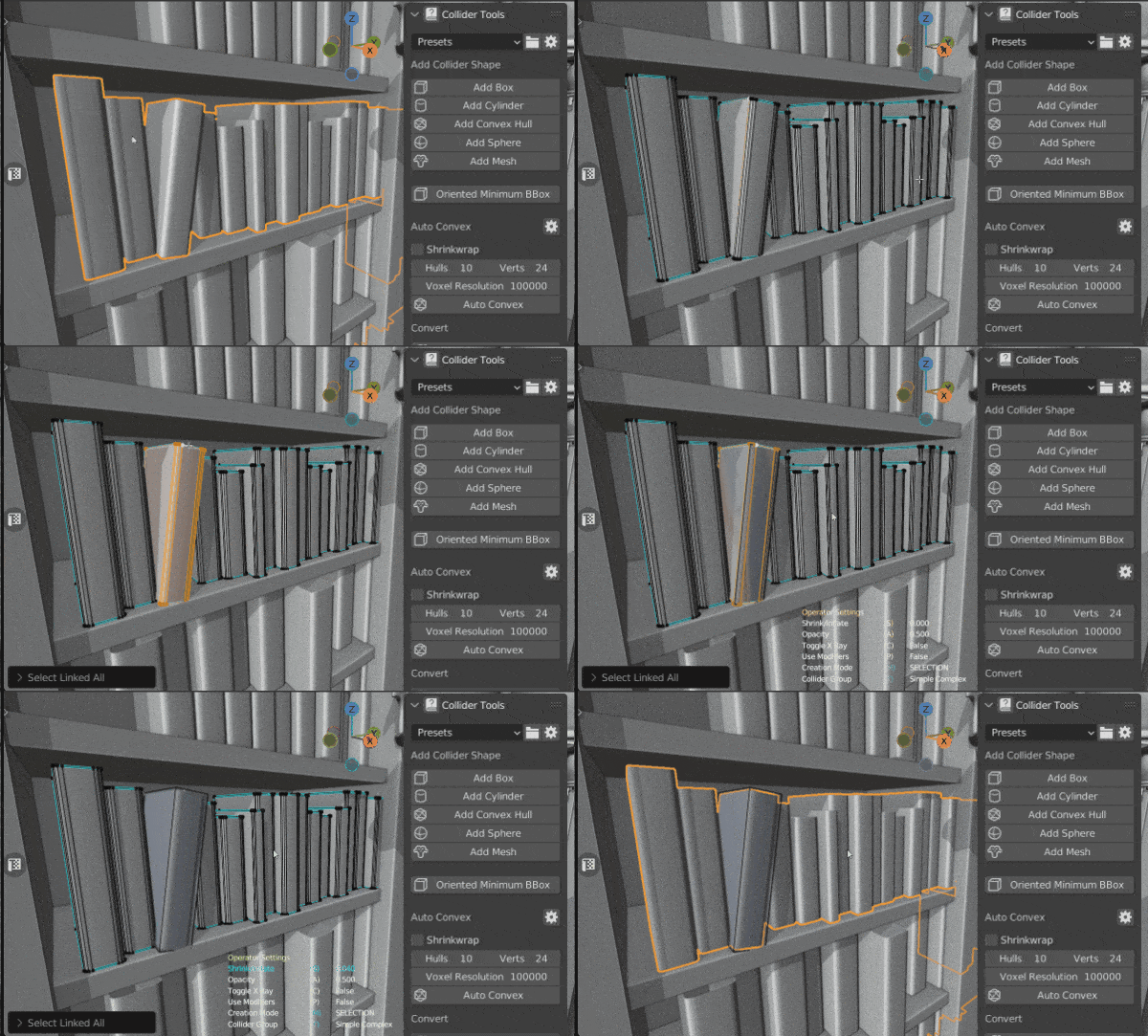
Name It Once,
|
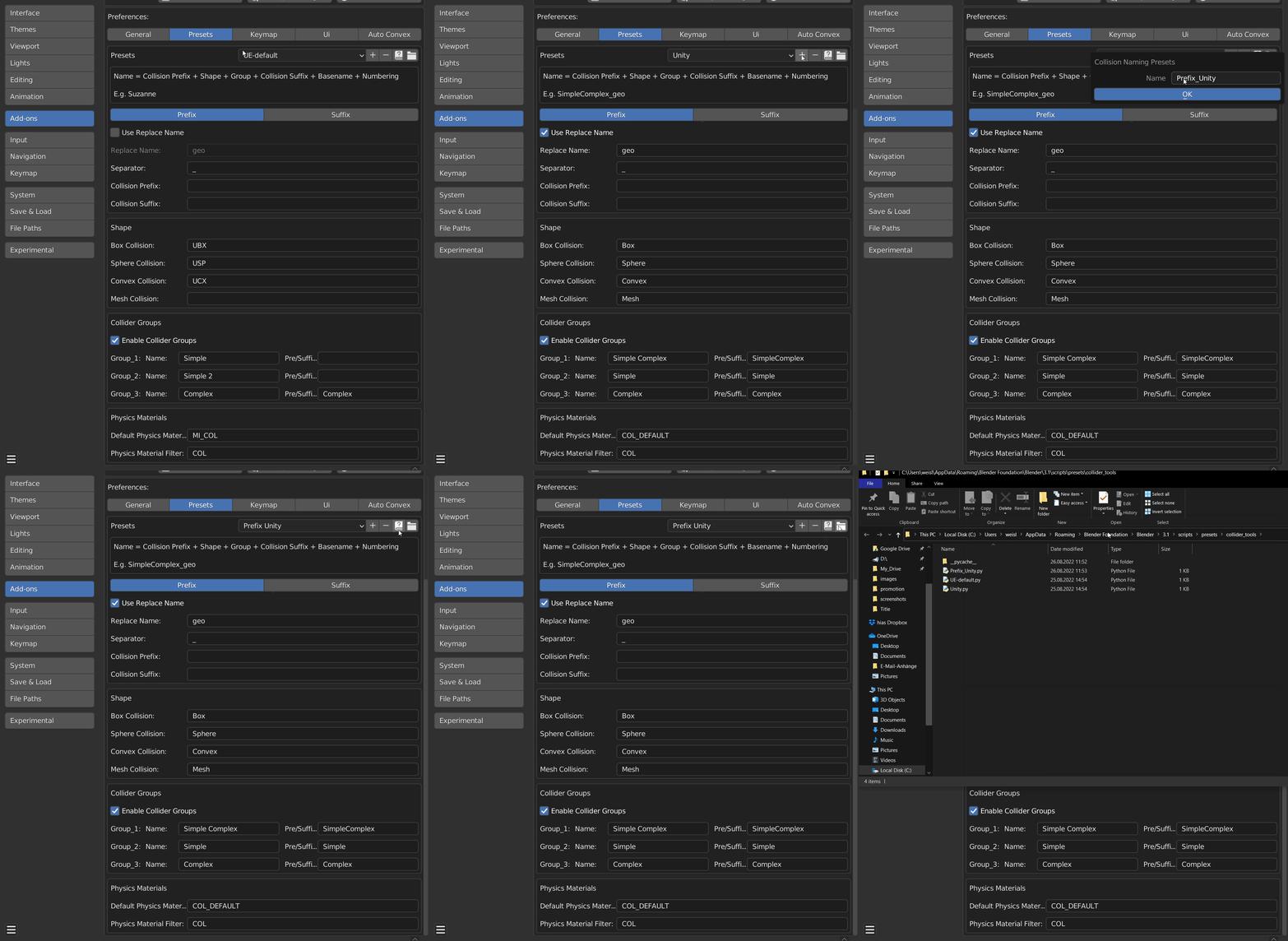
Mesh, Collider,
|
Everything Inside
One toolset, the whole collision workflow.
|
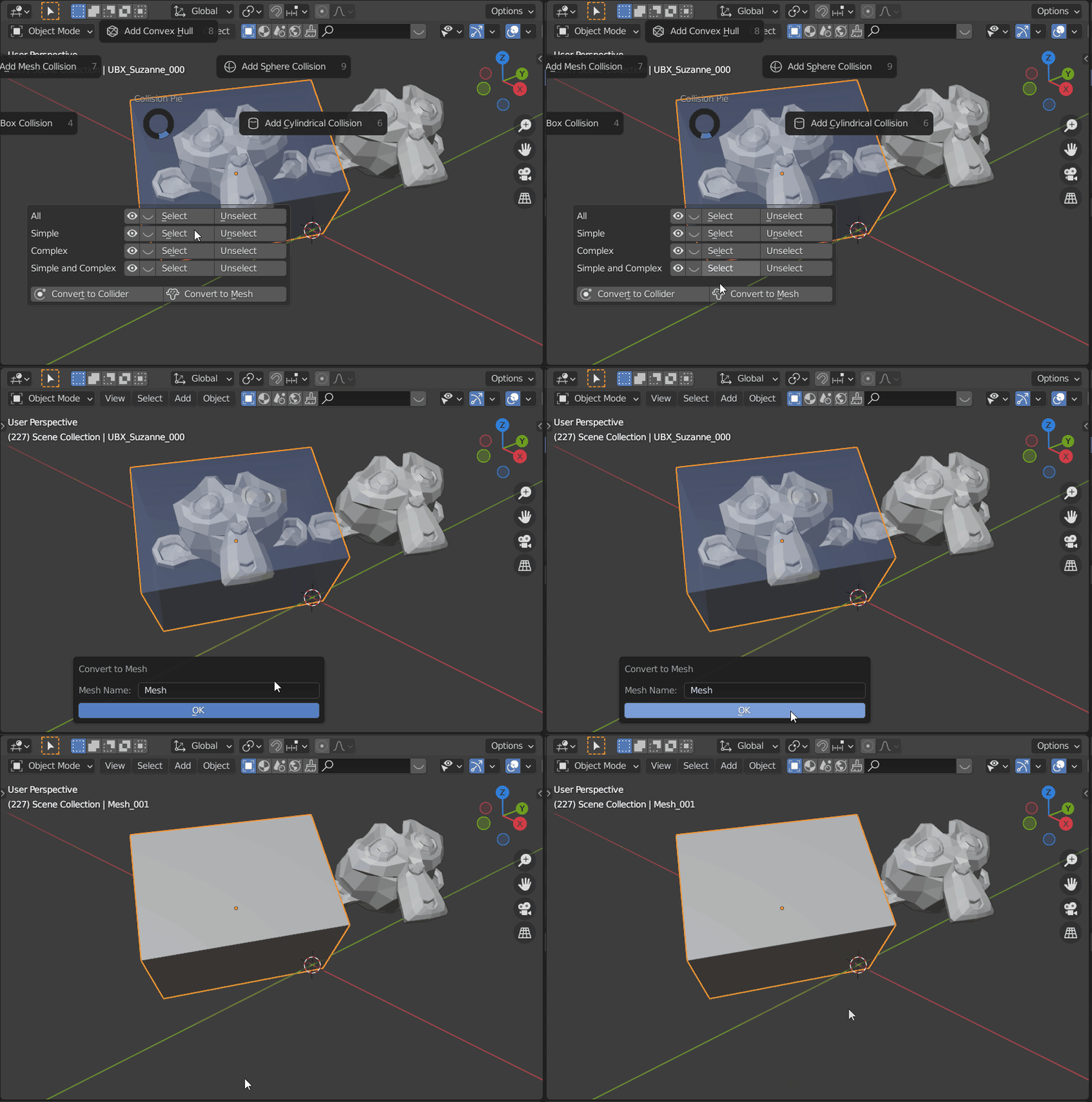
Re-Meshed Colliders
Voxelates complex, intersecting geometry before generating the collider, eliminating interior faces regular mesh colliders can't avoid.
|
Collider Organization
Manage visibility, selection, and deletion for groups of colliders at once.
|
Physics Materials
Assign and organize materials for use as physics materials in-engine.
|
|
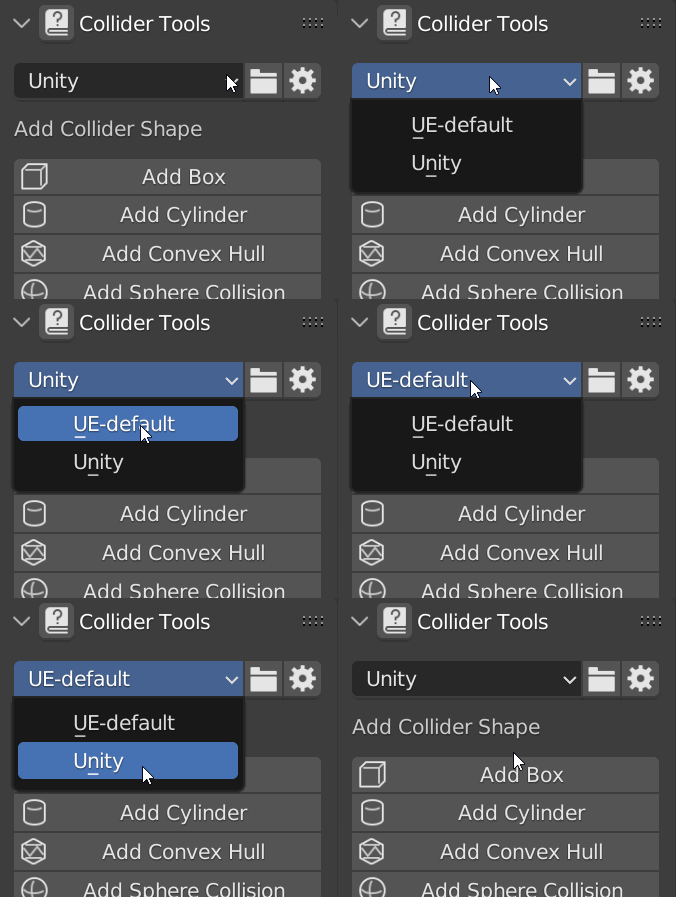
Flexible Naming
Custom naming schemes for UE4-5, Unity, Godot, and other engines with their own pipelines.
|
Regenerate Names
Rebuild collider names from the active preset in one click.
|
Edit-Mode Multi-Object
Generate compound colliders across several selected objects at once, in Edit mode.
|
Built For Your Engine
Simple Collider covers the Blender side — these guides cover the rest.
|
Unreal Engine
UE4 and UE5 import Simple, and partially Complex, collisions out of the box.
|
Unity
Collider setup is automatic once meshes are named correctly — Simple Collider handles the naming.
|
|
Godot
Automatic
-colonly / -convcolonly suffixes so Godot detects colliders on import. |
Custom / Other Engines
Not on the list? Flexible naming presets mean Simple Collider isn't locked to UE, Unity, and Godot — build a custom naming scheme for any engine or in-house pipeline.
|
What Experts Say
Trusted in production pipelines at studios including Remedy Entertainment and KitBash3D.
|
"This addon is a must-have. It takes all the hassle and tedious work out of creating custom collision. So fast and easy to use, and it even takes care of naming and parenting with support for custom prefixes."  Richard Court, Principal Environment Artist at Studio Gobo
| ||
|
"This is something that a lot of people overlook on how much time it can take up on a project. With its intuitive interface and support for complex shapes, it's impressive how quickly you can get usable results."  Jeremiah Estrellado, Associate Art Director & Founder of The Dinusty Empire
| ||
|
"I am a huge fan of addons that reduce the steps and amount of clicks it takes me to do menial tasks. This addon is one of those. Its simple and clean and will save a lot of time for anyone making collision meshes in Blender for use in game engines like Unreal Engine. I wish I had this addon a lot sooner!"  Michael Kinsey, Senior Shader Technical Director at Thats No Moon Entertainment
| ||
|
"I have been lucky enough to be able to try Simple Collider in the past months and I can tell you that it became directly one of my favorite and most used add-ons. Everything is just so simple and powerful. Now I can create collisions in a matter of seconds for any assets or modular kit and spend all this extra saved time on more creative and fulfilling tasks!"  Jérémy Cerisy, Senior Environment Artist at Remedy Entertainment
| ||
|
"Making collisions is often the most annoying part of the art pipeline. I think anyone working in real-time 3D deserves to get through this moment the proper way. That's what this addon allows."  Arthur Chamerois, 3D Artist at Playdead
| ||
|
"This addon was extremely useful and made creating collisions quick and efficient. The entire modeling team used it and were able to pick it up very quickly."
 Mike Reese, VP of Asset Production at KitBash3D
|
Why Trust Simple Collider?
Over a decade refining workflows for real-time engines. Simple Renaming, Simple Collider, Simple Export, and Simple Camera Manager are used and trusted by thousands of artists and studios worldwide.
| Simple Renaming — 50,000+ users | Simple Export | Simple Camera Manager |
| Buy on Superhive | Documentation | More by Matthias | ArtStation |